
Touch-screen vending machines are automated retail units that replace mechanical keypads with interactive digital displays, letting customers browse product images, read nutritional details, and complete payment all on one screen. The industry term for these systems is “digital vending machines,” and they operate on the same core dispense hardware as traditional units. What changes is the entire front-end experience: a hardened capacitive touchscreen handles product selection, pricing display, promotional content, and cashless payment authorization in a single connected flow.
Key elements that define touch-screen vending:
- Interactive display: A full-color screen shows product images, prices, stock availability, allergen data, and promotional content.
- Cashless payment integration: Tap-to-pay cards, NFC, mobile wallets, and QR code payments are built into the purchase sequence.
- Remote management: Operators update pricing, swap product images, and monitor inventory without visiting the machine.
- Dynamic content: Screens display ads, seasonal promotions, or nutritional compliance information that static signage cannot match.
How touch-screen vending machines actually work
The physical dispense mechanism behind a digital vending machine is largely the same as a traditional unit. Spiral coils, robotic arms, or conveyor systems still move the product. What changes is the input layer. The buyer taps a product tile on the capacitive display; the machine calls its planogram lookup, reserves the slot, and hands off to the cashless payment platform. Once the card or wallet authorizes, the dispense controller releases the item. After the cycle, the transaction logs through DEX audit reporting and feeds status back over MDB/ICP control logic.
A few components make this possible:
- Hardened capacitive glass: Rated for high-traffic public environments, resistant to moisture and impact.
- Onboard software: Manages the planogram, payment gateway, and content management system.
- Cloud connectivity: Sends real-time sales, inventory counts, and fault alerts to the operator’s dashboard.
- Integrated cashless reader: Supports tap-to-pay, Apple Pay, Google Pay, and QR-linked payment in one authorize-and-dispense sequence.
Pro Tip: When evaluating a touch-screen vending unit, ask whether the software supports remote content updates. Machines that require a technician visit to change pricing or swap product images cost significantly more to operate over time.
Why touch-screen vending outperforms traditional machines
The business case for digital vending comes down to three things: more sales per transaction, lower operating costs, and better marketing real estate.
- Higher conversion: The touchscreen functions as a conversion point. Product images, price, stock state, allergen details, and upsell prompts all appear on the same interface used for payment, which lifts conversion compared with a keypad cabinet that only accepts a code.
- Upsell revenue: When a customer selects a snack, the screen can suggest a complementary drink. This mirrors online shopping recommendations and increases average transaction size without any additional labor.
- Remote management savings: Operators can push price changes, add products, and refresh marketing content from a central dashboard. Remote updates for pricing, images, and inventory tracking reduce both downtime and the number of onsite visits required.
- Dynamic advertising: The screen runs targeted ads by time of day or location, turning idle machine time into a marketing channel.
- Accessibility gains: Larger fonts, audio guidance, and multi-language support make the machine usable for elderly customers, people with disabilities, and first-time users.
Operational insight: Successful operators treat the touchscreen as a retail display, not just a button replacement. Machines that run location-specific promotions and rotate product imagery seasonally consistently outperform static-display units on SKU velocity.
Smart technology features that set digital vending apart
Cloud-based telemetry is where touch-screen vending systems pull ahead of everything that came before. Real-time inventory and machine health monitoring means an operator running 30 machines across Dallas can see which units need restocking, which have a mechanical fault, and which products are moving fastest, all from one dashboard. Predictive restocking replaces the old model of driving a route and guessing.

| Smart Feature | What It Does | Operational Benefit |
|---|---|---|
| Cloud telemetry | Monitors inventory and machine health in real time | Reduces unplanned onsite visits |
| Dynamic pricing | Updates prices remotely by time, location, or demand | Responds to market changes without a technician |
| Targeted advertising | Runs ads tailored by time of day or location | Generates revenue from idle screen time |
| Predictive diagnostics | Detects mechanical issues before they cause downtime | Lowers repair costs and machine outages |
| Sales analytics | Tracks SKU velocity and transaction data by location | Guides product mix and restocking decisions |
| Remote content management | Pushes product images, promotions, and menu changes | Eliminates per-machine update visits |
Analytics also drive product selection. Granular sales data by location lets operators swap underperforming SKUs for products that actually sell at that site, whether it’s a hospital lobby or a gym. The screen itself becomes a dynamic retail kiosk with video and advertising space that engages customers even when no transaction is happening.
What the buying experience looks like for your customers
From a customer’s perspective, using a touch-screen vending machine feels closer to shopping on a phone than operating a traditional vending unit. The visual product catalog loads immediately, showing real product images alongside price and stock status. Customers tap to browse, zoom in on nutritional details, and select their item without decoding a grid of numbered slots.
Payment is where the experience really separates itself from older machines:
- Tap a credit or debit card on the integrated reader.
- Use Apple Pay, Google Pay, or another NFC wallet.
- Scan a QR code linked to an app-based payment account.
- Pay with a loyalty card or campus ID where the operator has enabled those options.
The UI and payment reader operate as one sequence. The customer sees the price on screen, pays, and receives the product without leaving the flow. No fumbling for coins, no miskeyed product codes.
Accessibility features broaden who can actually use the machine comfortably. Adjustable text size, high-contrast display settings, and audio guidance help customers with visual impairments. The touch interface requires less force than mechanical buttons, which matters for elderly users or anyone with limited hand strength. Screens can also be mounted at multiple heights to accommodate wheelchair users.
How the operation process flows from start to finish
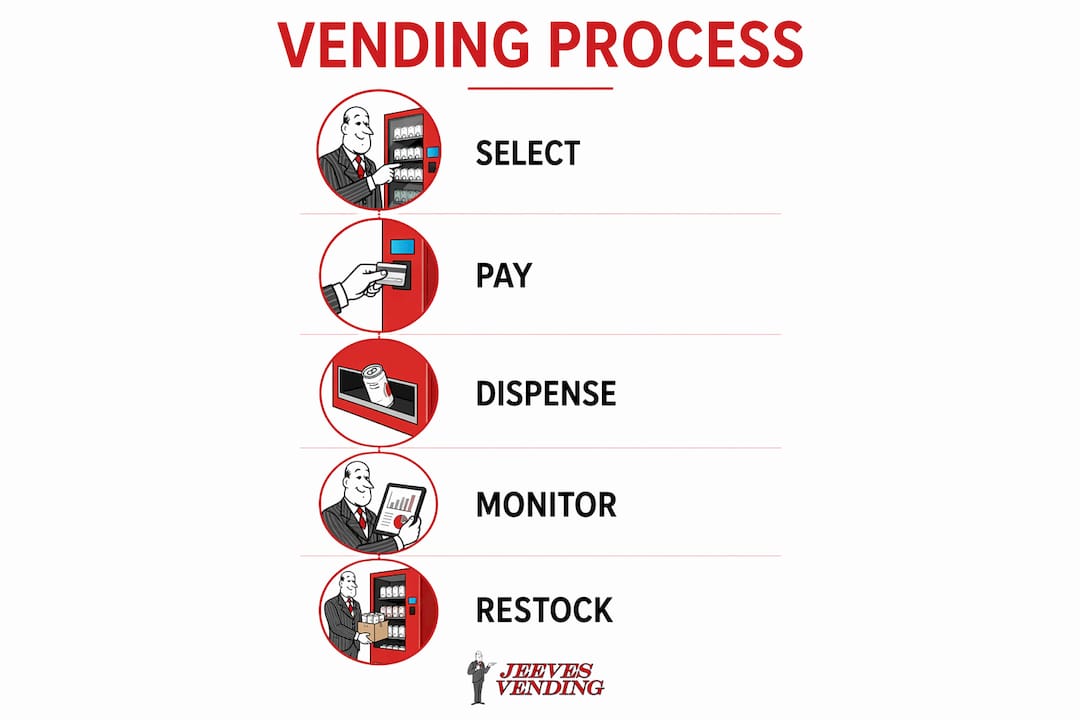
The full transaction cycle on a touch-screen vending machine takes under 30 seconds for most customers. Here is how it runs:
- Idle state: The screen displays product promotions, ads, or brand content while waiting for a customer.
- Wake: The customer touches the screen; the interface loads the product catalog.
- Browse and select: The customer taps a product tile, views details, and confirms the selection.
- Payment: The machine prompts for payment; the customer taps a card, phone, or wallet.
- Authorization: The cashless platform authorizes the transaction in real time.
- Dispense: The controller releases the product into the retrieval bin.
- Confirmation: The screen shows a receipt option and returns to the idle state.
Behind the scenes, the transaction records through audit logging, inventory counts update automatically, and any fault in the dispense cycle triggers an alert to the operator’s dashboard. If a mechanical jam occurs, smart vending systems automatically retry or issue a refund, so the customer is not left without resolution.
Where touch-screen vending machines are used
Touch-screen vending fits any environment where people need quick, unattended access to products. The technology has moved well beyond snacks and drinks.
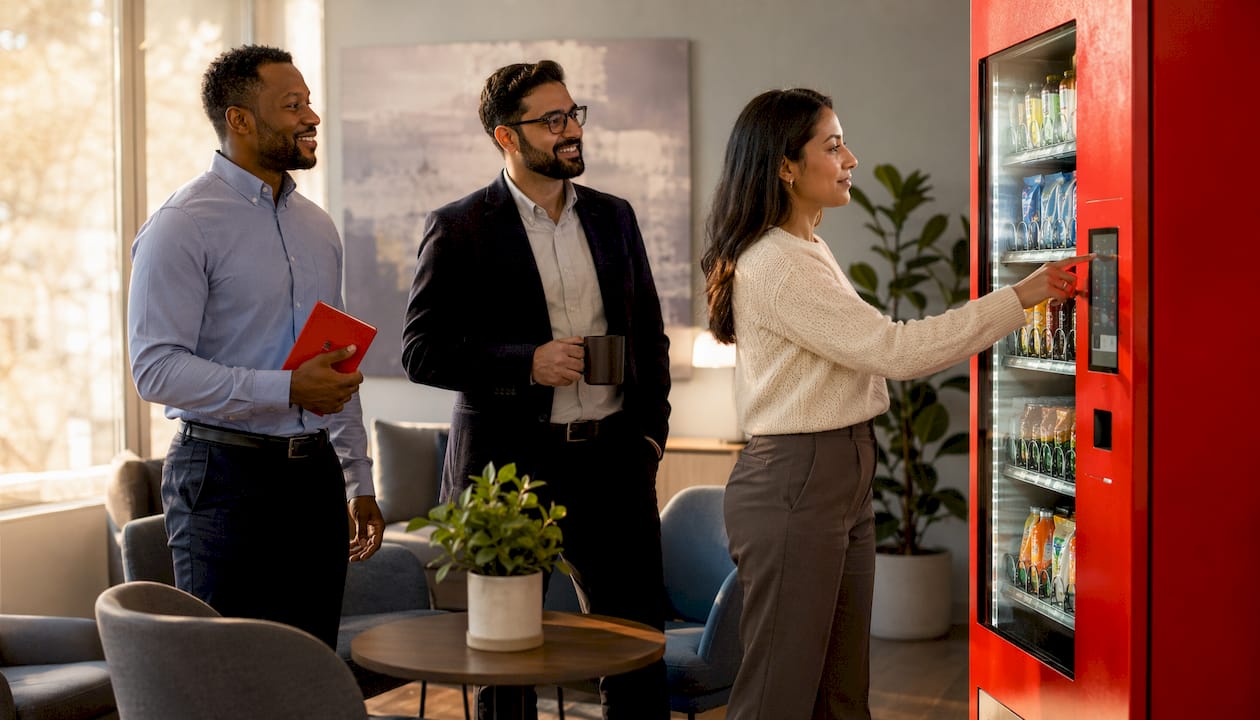
Offices and corporate campuses use these machines for snacks, beverages, and convenience items. HR teams often configure the product mix to reflect employee preferences, and customizing the vending menu for staff is straightforward through remote management tools.
Hospitals and healthcare facilities rely on them for 24-hour access to food and personal care items. The ability to display allergen and nutritional information on screen is particularly relevant in clinical settings where dietary restrictions matter.
Schools and universities deploy them for student snacks, school supplies, and even electronics. Student vending habits tend toward speed and variety, both of which digital interfaces handle better than traditional units.
Gyms and fitness centers stock protein bars, supplements, and sports drinks, with nutritional data displayed prominently on the screen.
Warehouses and industrial facilities use them in breakrooms where workers need fast access during short breaks, and beverage vending in warehouse settings has specific restocking and temperature requirements that remote monitoring addresses directly.
Retail and transit hubs including airports, hotels, and shopping centers use high-end digital vending for electronics, cosmetics, and specialty products where product presentation and brand image matter.
Keeping a touch-screen vending machine running well
Maintenance on digital vending machines splits into two categories: the physical dispense mechanism and the software layer. The dispense hardware, coils, motors, and sensors, requires the same periodic attention as any traditional unit. Jams still happen, though smart systems handle them better by automatically retrying or issuing a refund rather than leaving the customer stranded.
The software side is where digital machines have a clear advantage. Remote diagnostics flag mechanical issues before they cause extended downtime. Operators receive alerts when a sensor detects a motor fault or a temperature reading goes out of range, allowing a service call before the machine goes offline. Screen calibration, software updates, and content refreshes all happen remotely, so routine maintenance visits focus on physical restocking and hardware checks rather than manual audits.
A few practical maintenance priorities:
- Screen cleaning: Capacitive glass needs regular wiping to maintain touch sensitivity and visual clarity.
- Software updates: Keep the operating system and payment firmware current to maintain security compliance.
- Sensor checks: Verify that dispense sensors and product detection systems are reading accurately during each service visit.
- Payment reader maintenance: Clean NFC and card reader contacts to prevent authorization failures.
Security in touch-screen vending systems
Payment security is the most critical concern in any digital vending deployment. Modern touch-screen machines process card and NFC transactions through PCI DSS-compliant payment platforms, meaning cardholder data is encrypted at the point of contact and never stored on the machine itself. The transaction authorizes through a third-party payment gateway, the same architecture used by retail point-of-sale systems.
Physical security matters too. Hardened capacitive displays resist tampering and vandalism better than older button panels. Cabinet locks, anti-theft anchoring, and tamper-evident seals protect the internal components. Operators can also set access controls that restrict certain products or payment methods by location or time of day.
On the data side, cloud-connected machines transmit sales and inventory data over encrypted connections. Operators should confirm that their vending management software uses TLS encryption for data in transit and role-based access controls for the operator dashboard. Audit reporting through DEX provides a transaction-level record that supports reconciliation and fraud detection. Displaying mandatory nutritional and allergen information dynamically also keeps operators in compliance with labeling regulations that static signage cannot update efficiently.
Key Takeaways
Touch-screen vending machines combine interactive digital displays, cashless payment, and cloud-based management to deliver a retail experience that traditional button-operated units cannot replicate.
| Point | Details |
|---|---|
| Core technology | Hardened capacitive displays replace keypads, connecting product selection, payment, and dispense in one flow. |
| Remote management | Operators update pricing, inventory, and content from a central dashboard, reducing onsite service visits. |
| Sales impact | Upsell prompts and dynamic product displays increase average transaction size without additional labor. |
| Accessibility | Larger fonts, audio guidance, and multi-language support broaden usability for diverse customers. |
| Security | PCI DSS-compliant payment processing and DEX audit reporting protect both customers and operators. |
Jeeves Vending brings this technology to Dallas businesses at no cost
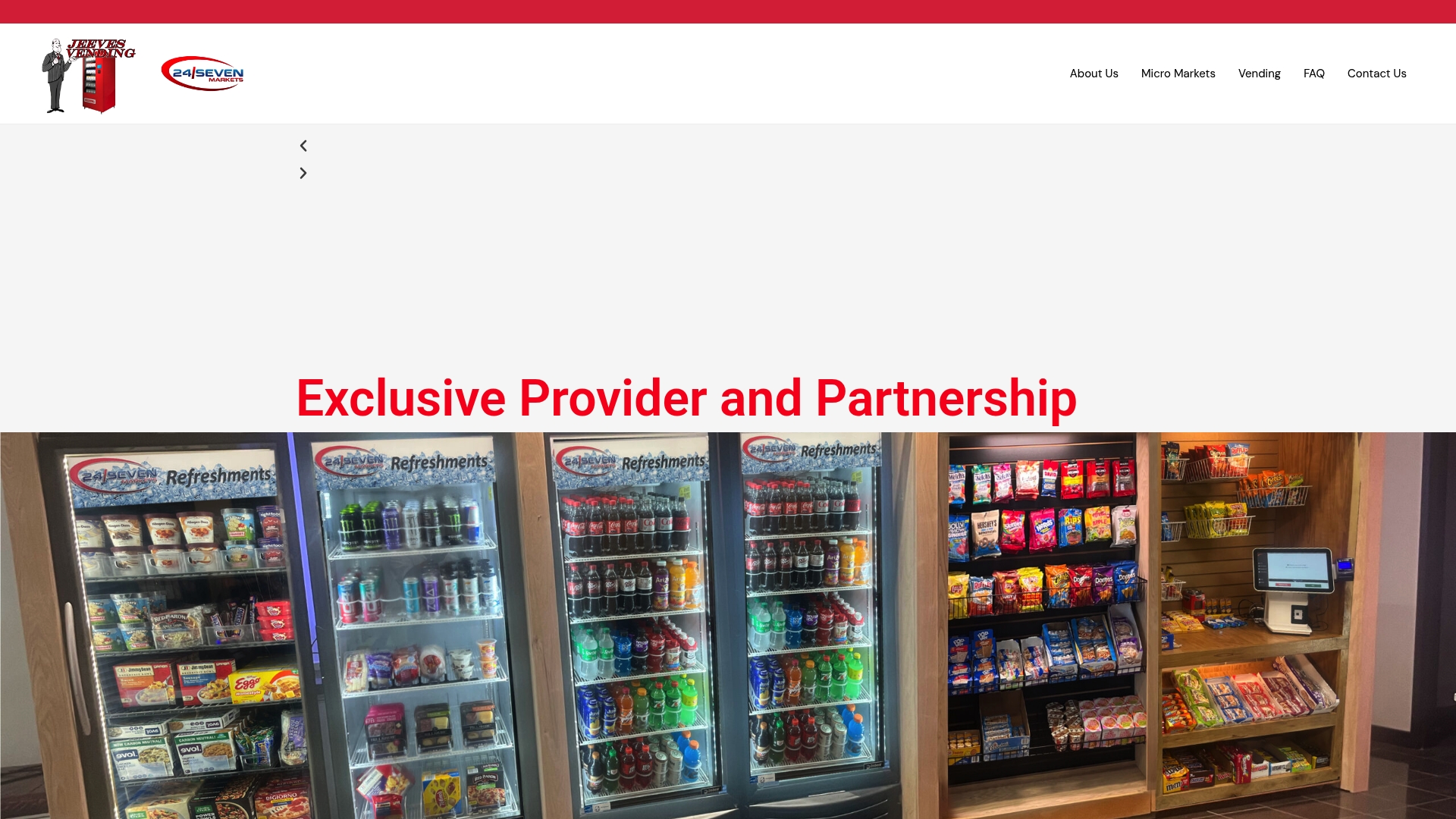
Jeeves Vending installs and maintains modern touch-screen vending machines for businesses across the Dallas-Denton region, with no upfront cost to the host location. From offices and schools to hospitals and gyms, Jeeves Vending handles placement, stocking, and ongoing service so your team never has to think about it. If you want to understand exactly how the technology works before committing, the vending machine explanation page covers the full operational picture. Ready to add a machine to your location? Contact Jeeves Vending to get started.