
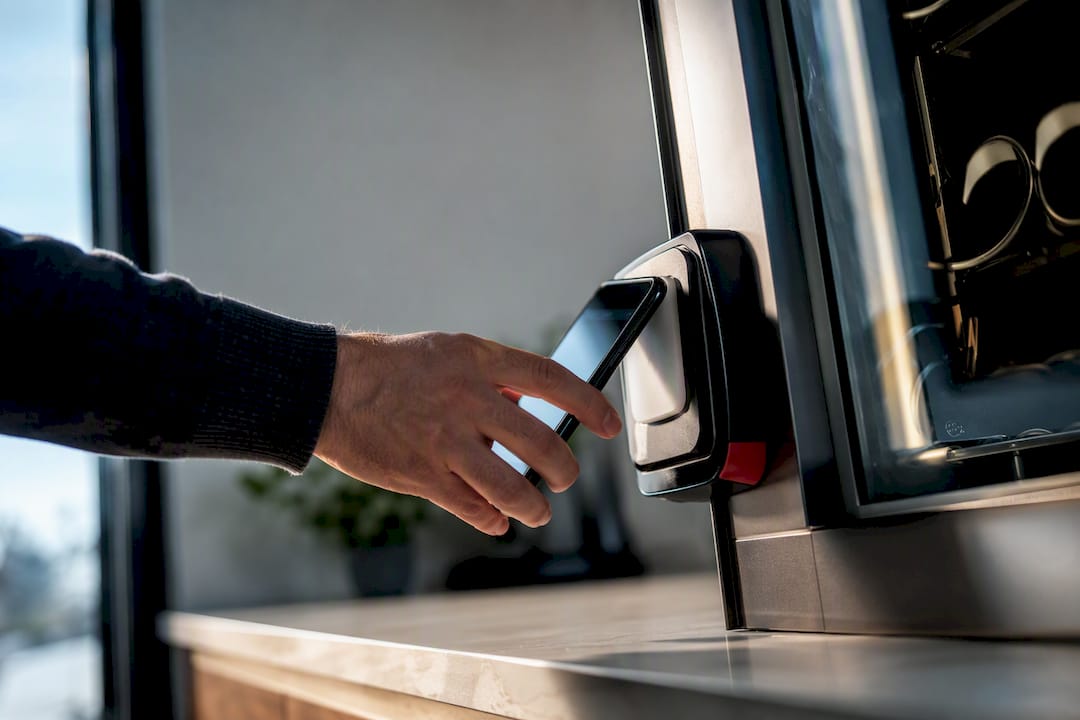
Support cash, EMV chip cards, and contactless or mobile wallet payments (Apple Pay, Google Pay) on every modern machine. This three-rail baseline covers nearly every customer preference, cuts declined transactions, and speeds up the line at high-traffic sites. Cash handling adds overhead but still matters in some locations. The right final mix depends on foot traffic, ticket size, and what a processor charges you per swipe.
TL;DR:
- Combining cash, EMV chip, and contactless payments on one machine is now industry standard, reducing declined transactions and speeding up service.
- Mobile wallets like Apple Pay and Google Pay offer faster, more reliable transactions with higher completion rates compared to traditional contactless cards.
- Payment hardware should be selected based on location traffic, customer demographics, and connectivity, with higher throughput sites favoring tap-to-pay solutions.
- Fraud prevention relies heavily on tokenization, firmware updates, and physical inspections, with minimal cost but high importance for security.
- For best results, integrate payment systems with inventory and sales reporting to enable real-time monitoring and prevent revenue discrepancies.
Table of Contents
- What Are the Vending Payment Options, and When Does Each Make Sense?
- How Do Coin Acceptors and Bill Validators Actually Work?
- What Do EMV Card Readers Cost, and Why Are They the Baseline?
- Why Do Apple Pay and Google Pay Change the Vending Experience?
- When Should You Use QR Codes or Closed-Loop Payment Systems?
- How Do You Pick the Right Payment Mix for a Location?
- What Belongs on Your Vending Payment Implementation Checklist?
- How Do You Prevent Fraud in a Vending Payment System?
- What Compliance Standards Apply to Vending Payments?
- How Should Payment Data Connect to Inventory and Sales Reporting?
- How Jeeves Vending Approaches Payment Stacks in Real Deployments
- Ready to Upgrade Your Vending Payment Setup?
- Sources
What Are the Vending Payment Options, and When Does Each Make Sense?
Every vending payment option falls into one of five categories, and each behaves differently once real customers start using it.
- Cash (coins and bills): universal but slow, and it carries theft and jam risk.
- EMV card readers: chip insertion or dip, secure, now considered a baseline rather than an upgrade.
- Contactless/NFC: tap-to-pay with physical cards or phones, fast and low-friction.
- Mobile wallets (Apple Pay, Google Pay): NFC-based but tokenized at the device level, adding a layer of authentication.
- QR/app-based and closed-loop systems: scan-to-pay or badge-based systems tied to a specific campus, employer, or app ecosystem.
Combining cash, EMV, and NFC into one terminal is now standard practice for commercial vending, according to industry guidance on multi-payment vending terminals. Offices and gyms tend to skew heavily toward tap-to-pay. Transit hubs and campuses often need cash as a fallback for younger users or unbanked riders. Hospitals see a mix of all methods because visitors, staff, and patients carry different habits into the same lobby.
How Do Coin Acceptors and Bill Validators Actually Work?
Coin acceptors measure a coin’s size, weight, and metal composition against a stored table of accepted denominations, then route it to the hopper or reject slot. Bill validators scan for security threads, ink patterns, and paper density before accepting a note. Both are mechanical and optical systems, which means both jam, especially with worn bills or bent coins.
- Jams and rejected currency slow every transaction behind them.
- Cash collection means physical visits, manual counts, and reconciliation against sales logs.
- Theft risk rises with cash-heavy machines, especially at unmonitored sites.
Pro Tip: If a location runs mostly digital payments but still sees occasional cash use, a hybrid validator with a smaller cash box cuts collection time without alienating cash-only customers.
Keep cash where connectivity is unreliable or the customer base includes people without cards. Drop it entirely at sites where digital payments already dominate.
What Do EMV Card Readers Cost, and Why Are They the Baseline?
EMV chip acceptance shifts fraud liability away from the operator and onto whichever party fails to support the secure chip standard, based on guidance from cashless vending security standards. That liability shift alone justifies the hardware cost for most operators, before you even count the customer preference for tapping or inserting a card instead of digging for cash.
Processing fees for vending transactions commonly run in the low single-digit percentages per transaction, with monthly connectivity or portal fees typically in the range of ten to fifteen dollars per machine, according to cashless vending guidance.
Budget for both numbers, not just the per-swipe rate. A machine doing low volume can still cost more in fixed monthly fees than it earns in margin if you pick the wrong processor tier. EMV certification also affects hardware choice. Not every reader on the market carries current certification, so confirm it before signing a purchase order rather than after installation.
Why Do Apple Pay and Google Pay Change the Vending Experience?
Mobile wallets tokenize each transaction at the device level, generating a one-time code instead of transmitting the actual card number. That tokenization is layered on top of NFC, giving mobile pay vending an extra authentication step that a plain contactless card does not have.
The practical payoff shows up in speed. Mobile wallets often complete faster than an EMV chip dip, and operators report higher completion rates at high-throughput sites once tap-to-pay is added, according to research on mobile wallet vending payments. Fewer declined cards mean fewer abandoned purchases at the machine.
- NFC-enabled terminal hardware (most current EMV readers already include this).
- A processor that explicitly supports mobile wallet transactions, not just card dips.
- Stable internet, since a dropped connection kills contactless authorization mid-tap.
Pro Tip: Test Apple Pay and Google Pay separately after installation. Some older NFC antennas read Android devices reliably but fumble iPhone transactions, or the reverse.
When Should You Use QR Codes or Closed-Loop Payment Systems?
QR and app-based payments work by having the customer scan a code on the machine’s screen, then confirm the charge inside an app. This is a lower-cost retrofit option because it needs only a display, not a dedicated card reader, according to multi-payment vending system guidance.
- QR retrofits fit budget-constrained upgrades where installing new card hardware is not worth the cost yet.
- Closed-loop systems tied to a campus ID or employer badge work well where the population is fixed and known, like a university or a corporate campus.
- Where local card adoption skews lower or a population already uses a specific payment app heavily, QR can outperform standard card acceptance.
Campus environments are a strong fit for closed-loop payment, since student vending habits often run through a preloaded ID card rather than a personal debit card. Closed-loop rarely makes sense for a public-facing office lobby, since it excludes visitors entirely.
How Do You Pick the Right Payment Mix for a Location?
Match the payment stack to who actually walks up to the machine, not to what feels modern.
- Measure traffic and throughput. High-traffic break rooms need fast rails (NFC, mobile wallet) more than they need cash.
- Check average ticket size. Low-ticket snack purchases move faster with tap-to-pay; higher-ticket micro-market purchases justify full EMV and receipt support.
- Know your customer demographics. Campuses and hospitals often need cash as a fallback; corporate offices rarely do.
- Assess connectivity. Weak cellular or Wi-Fi coverage makes cash and offline-capable EMV more important than NFC-only setups.
- Weigh cash risk against convenience. Sites with limited staff oversight favor cashless setups to reduce theft exposure.
Multi-payment machines tend to post higher revenue than single-method units, since a wider mix converts more of the people who walk up regardless of what’s in their pocket, according to vending payment method research.
Pro Tip: Post pricing clearly on the machine face, including any card surcharge if your processor allows one. Surprise fees at checkout are the single biggest driver of abandoned vending transactions.
What Belongs on Your Vending Payment Implementation Checklist?
Getting the hardware right matters less than getting the sequence right. Skipping steps here is how operators end up with machines that work in the warehouse and fail on-site.
Hardware to confirm before installation:
- EMV-certified reader with NFC support built in.
- Mounting hardware rated for the machine’s environment (outdoor, high-humidity, or high-traffic).
- A display or screen if you’re adding QR support.
Sequence to follow during rollout:
- Select a processor with real unattended-retail experience, since general retail processors often mishandle vending’s low-ticket, high-frequency transaction pattern.
- Confirm cellular or Wi-Fi connectivity at the exact install location, not just “nearby.”
- Run end-to-end test transactions across every payment rail you’re offering, including at least one deliberate decline.
- Set a reconciliation schedule and confirm the telemetry dashboard actually flags failed vends, not just failed payments.
Processor choice matters more here than shaving a fraction off the per-transaction rate. A processor’s dashboard and telemetry quality determines how fast you catch a broken reader before it costs you a week of lost sales.
How Do You Prevent Fraud in a Vending Payment System?
Fraud risk in vending is different from a staffed retail counter, since there’s no cashier to catch a stolen card or a suspicious pattern in real time. Tokenization is the main defense: EMV and NFC transactions generate a unique cryptographic code per transaction rather than transmitting a reusable card number, according to cashless vending guidance. Mobile wallets go a step further with device-level authentication (Face ID, fingerprint, or passcode) layered on top of the tokenized transaction.
Cash carries its own fraud profile: counterfeit bills, coin slugs, and physical theft from the machine or during collection. A bill validator’s optical scan catches most counterfeits, but jammed or manipulated validators are a known attack point on older machines.
Practical fraud prevention for vending operators comes down to a short list of habits:
- Keep firmware on card readers current, since outdated firmware is the most common vulnerability point for skimming attacks.
- Watch for repeated small-value declines at one machine, which can signal a stolen card being tested.
- Use remote monitoring to flag unusual transaction patterns (unusual hours, repeated failed attempts) rather than discovering them during a manual audit weeks later.
- Physically inspect readers periodically for skimming devices, particularly at low-traffic or unmonitored locations.
None of these steps is expensive on its own. The cost comes from skipping them and discovering the gap after fraud has already happened, usually during a reconciliation review that doesn’t match expected revenue against actual card settlements.
What Compliance Standards Apply to Vending Payments?
PCI DSS (Payment Card Industry Data Security Standard) governs how any business, including vending operators, handles cardholder data. The practical upside for vending is that EMV and NFC readers handle almost all of the sensitive data processing themselves, so the operator’s compliance burden is lighter than it would be for a business storing card numbers directly.
That said, compliance isn’t automatic just because you bought a certified reader. You’re still responsible for:
- Keeping reader firmware updated to maintain its certification status.
- Choosing a processor that itself maintains PCI DSS compliance on the back end.
- Avoiding storage of any cardholder data outside the certified payment terminal, including in spreadsheets or manual logs.
Operators building custom payment hardware, rather than buying certified terminals, take on a heavier compliance load. A custom IoT vending build using components like the ESP32 microcontroller can lower long-term costs and avoid vendor lock-in, but the builder becomes responsible for EMV certification and PCI compliance directly, which requires real technical expertise most route operators don’t have in-house.
For most operators, the simpler path is buying EMV-certified, PCI-compliant terminals from an established manufacturer and letting the processor handle the back-end compliance work. The retrofit-kit route sounds cheaper upfront, but it can quietly shift real compliance risk onto an operator who never signed up to carry it.
How Should Payment Data Connect to Inventory and Sales Reporting?
A payment terminal that doesn’t talk to your inventory system is only doing half its job. The real value of cashless payment shows up when every transaction automatically updates a sales report and, ideally, ties back to which product slot just sold.
Modern telemetry dashboards pull transaction data in near real time, letting an operator see which machines are running low on specific products without a physical visit, and cross-reference sales against restocking schedules. That connection matters more at scale. One machine can be tracked on a clipboard. Twenty machines across a dozen sites cannot.
The best-practice pattern here is straightforward:
- Choose a processor or payment platform whose reporting exports cleanly into whatever inventory or route-management software you already run.
- Confirm each machine’s telemetry reports vend-level detail, not just total revenue, so restocking decisions are based on actual product movement.
- Set a recurring reconciliation check comparing reported sales against restocked inventory, catching discrepancies from jams, theft, or reporting gaps early.
End-to-end testing and ongoing telemetry monitoring are the two habits that separate a smoothly run route from one constantly firefighting mystery revenue gaps, according to cashless vending operational guidance. A machine that silently stops reporting sales data for three days looks identical, from the outside, to a machine that simply isn’t selling. Good telemetry is what tells you which one you’re actually dealing with.
How Jeeves Vending Approaches Payment Stacks in Real Deployments
Most guides on vending payment options talk in the abstract. In practice, a payment stack only proves itself once it’s running in a break room with real foot traffic and real complaints when something fails.
Jeeves Vending installs machines and custom micro-markets at no cost to host businesses across the Dallas-Denton region, which means the payment hardware decision isn’t left to a facilities manager guessing at specs. Machines ship configured for cash, EMV, and contactless out of the box, with remote stock monitoring layered on top so restocking follows actual sales patterns rather than a fixed schedule. Schools, offices, gyms, and hospitals all want different payment mixes. That’s a site-by-site call, not a one-size configuration.
— Gary
Ready to Upgrade Your Vending Payment Setup?
Building a compliant, multi-payment vending stack from scratch means sourcing EMV-certified hardware, vetting a processor, and handling ongoing telemetry and reconciliation yourself. Some vending providers supply machines and micro-markets already configured for cash, EMV, contactless, and mobile wallets, installed at no cost to the host business.
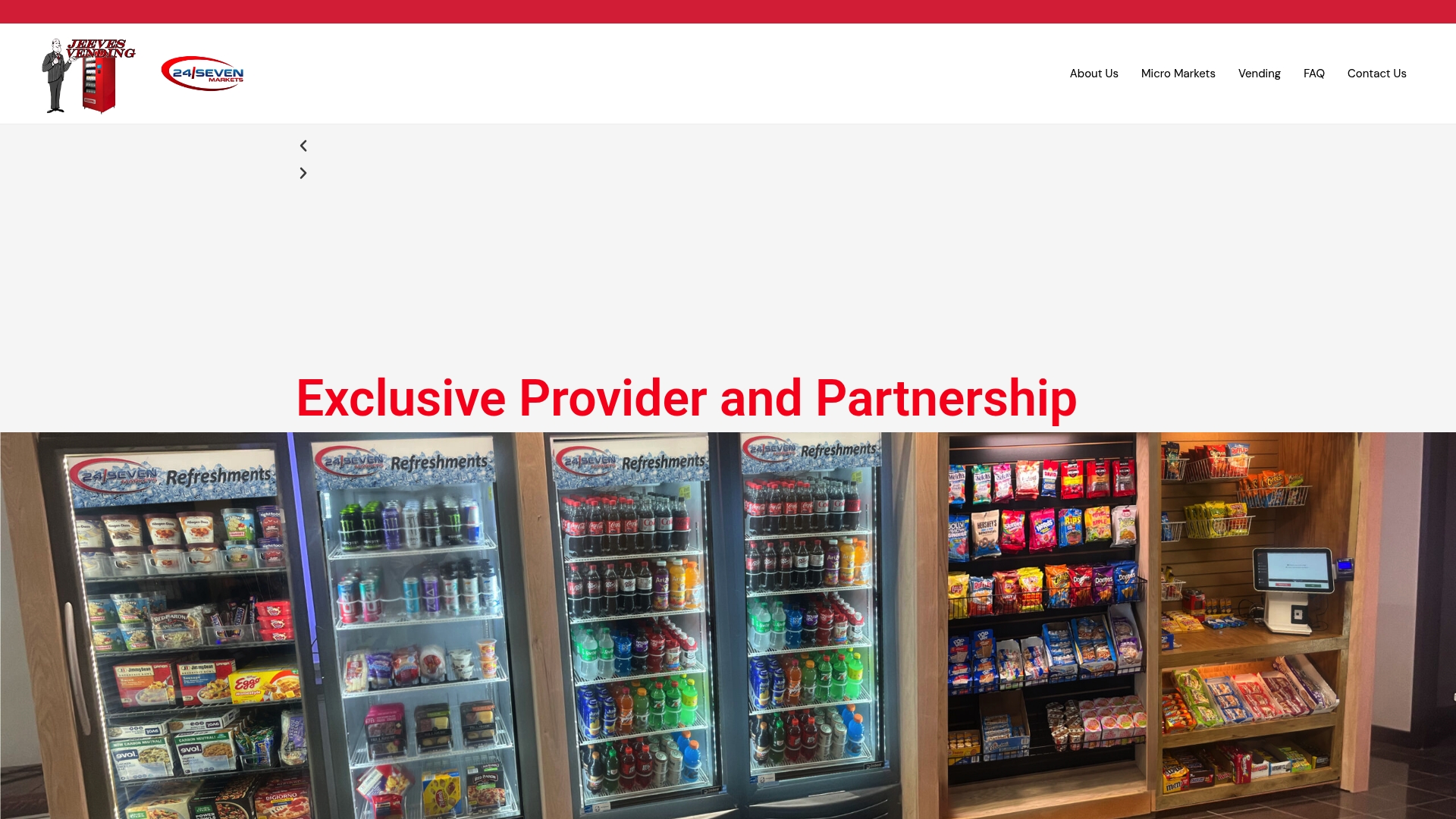
You don’t source hardware, negotiate processor rates, or troubleshoot a jammed bill validator at 7 a.m. Installation, restocking, and remote monitoring are typically handled by the vending service provider, so the customer mainly decides where the machine goes. If you’re weighing whether a full vending machine or a self-checkout micro-market fits your space better, that’s a conversation worth having before you commit to either. Request a free site evaluation through Jeeves Vending’s service overview and get a payment mix recommendation specific to your location’s foot traffic and customer base.
Sources
- How Mobile Wallets Are Changing Vending Payments
- Vending Machine Payment Guide | Cash, Card & Mobile Options
- Designing a Smart IoT Vending Machine with ESP32 and Cashless Payments | Elektor Magazine
- Cashless Vending & Smart Payment Systems (2026 Guide)