
Customizing a vending menu for staff means selecting, arranging, and regularly updating snack and beverage options to match your employees’ real dietary needs, shift patterns, and wellness goals. The industry term for this practice is tailored vending program design, and it goes far beyond swapping out one chip brand for another. Done right, it boosts staff satisfaction and workplace productivity by turning the break room into a genuine employee benefit. Office managers and HR professionals who treat vending as a strategic tool, not an afterthought, see measurably higher machine usage and fewer complaints about food options.
How to customize vending menu for staff: what to assess first
The foundation of any tailored vending program is data. You cannot build the right product mix without first understanding who is eating, when they are eating, and what dietary needs they bring to the table.
Start with a site visit and a structured staff survey. A proper site assessment captures key metrics like shift overlaps, headcount by floor or department, and peak vending times. That data tells you whether you need one standard machine, a smart cooler, or a full micro-market setup. A 200-person office with three overlapping shifts has completely different needs than a 50-person team working 9 AM to 5 PM.
Your survey should ask about:
- Dietary restrictions and allergens: gluten-free, nut-free, dairy-free
- Lifestyle diets: keto, vegan, high-protein, low-sugar
- Preferred product categories: hot food, cold beverages, fresh snacks, packaged goods
- Price sensitivity: what staff consider a fair price point per item
- Preferred purchase times: morning, lunch, late afternoon, overnight
Purchase history is your most honest data source. If your current machine logs sales, pull three months of data before making any changes. Actual buying behavior beats survey responses every time, because people buy what they actually want, not what they think they should want.
Pro Tip: Collaborate with your wellness coordinator or cafeteria manager before finalizing any menu. They already track dietary trends and allergy accommodations across your workforce, which saves you weeks of independent research.
How to select and design a custom vending machine menu
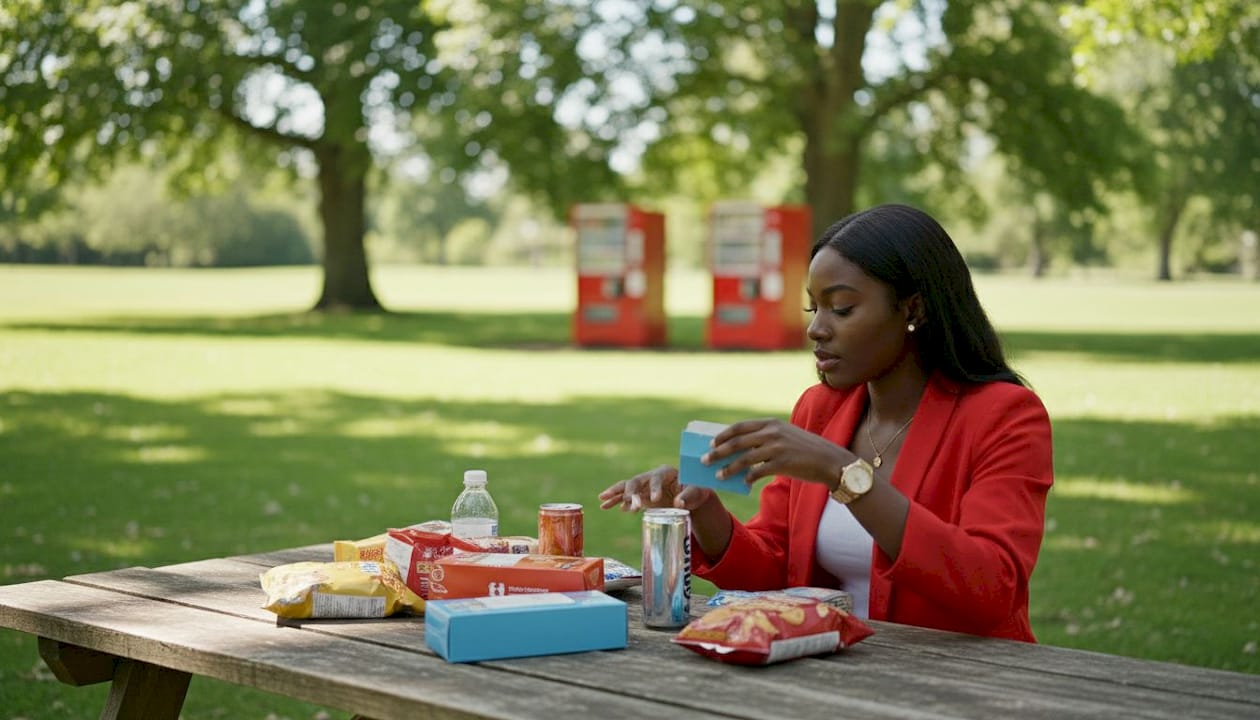
Product selection is where most office managers make their first mistake. They stock what they personally like, or they default to the most popular national brands, and then wonder why usage drops after the first month. A well-designed custom vending machine menu balances four categories: indulgent snacks, health-forward options, beverages, and fresh or refrigerated items.
Choosing the right product mix
Indulgent snacks (chips, candy, cookies) drive impulse purchases and keep overall machine revenue healthy. Health-forward options (protein bars, nuts, dried fruit, low-sugar drinks) serve your wellness-conscious staff and reduce the guilt factor that keeps some employees away from the machine entirely. Fresh food, such as sandwiches, salads, or yogurt parfaits, requires a refrigerated unit but dramatically increases daily usage among staff who skip the cafeteria. Specialty items, like culturally specific snacks or locally sourced products, signal that you actually paid attention to who works in your building.
Customization levels to consider
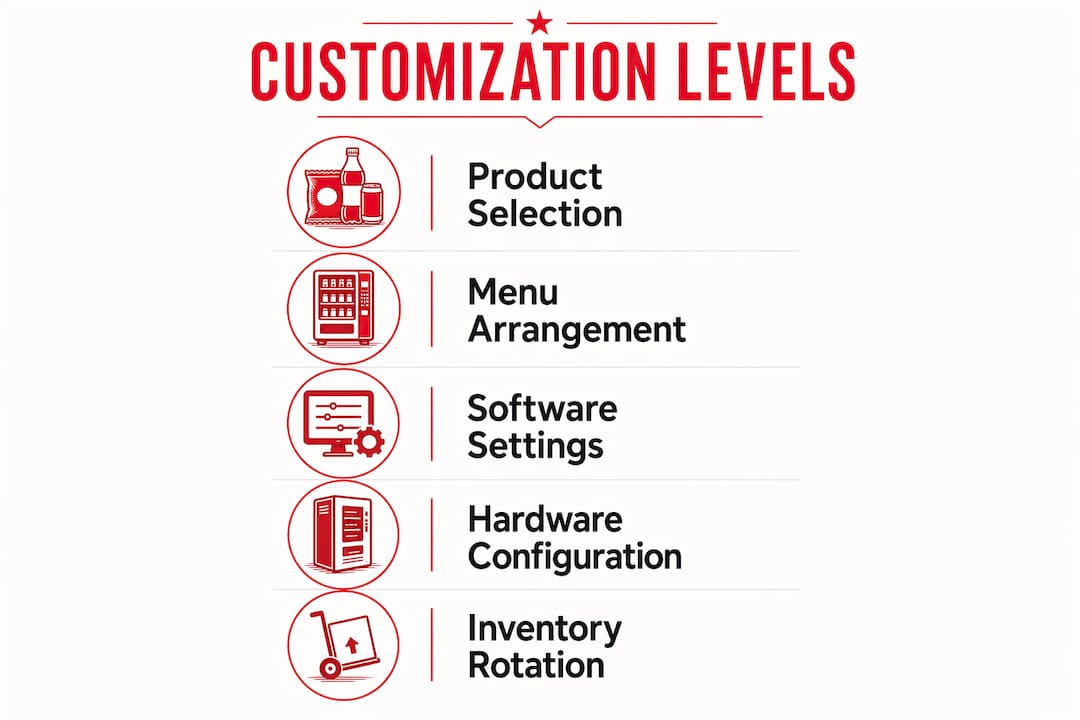
Vending customization operates at three distinct levels. The first is product selection, which is the most obvious layer. The second is hardware layout, meaning how products are physically arranged in the machine to drive visibility and sales. High-margin or high-demand items belong at eye level. The third level is the touchscreen interface and menu flow, which controls how staff browse, filter, and purchase. Customization applies to cabinet design, touchscreen UI, hardware layout, and the software managing inventory and reporting.
| Vending type | Product flexibility | UI customization | Fresh food capable |
|---|---|---|---|
| Standard machine | Moderate | Limited | No |
| Smart cooler | High | Moderate | Yes |
| Micro-market | Full | Full | Yes |
Rotating inventory keeps the menu feeling fresh. Plan seasonal swaps: warm drinks and heartier snacks in winter, cold beverages and lighter options in summer. Trending products, like functional beverages with added vitamins or high-protein snacks, should cycle in quarterly based on what staff are buying elsewhere.
One planning detail that catches managers off guard: custom hardware builds require production lead times of 25–35 days, especially for branded units or hot food kiosks. If you are planning a new office opening or a major break room refresh, order well ahead of your target date.
Pro Tip: Aim for a 70/30 split between proven bestsellers and newer or health-focused items. That ratio keeps revenue stable while giving staff something new to try each rotation.
How does vending machine software personalize staff vending options?
Software is where office vending customization gets genuinely powerful, and where most vendors undersell their own capabilities. The right platform does far more than track inventory. It enables dynamic menu updates, dietary filtering, payment flexibility, and remote monitoring, all without anyone physically touching the machine.
Many vendors claim “customizable UI” but only offer logo changes and color swaps. True UI customization involves rebuilding product layout, cart logic, and post-purchase flows. That distinction matters enormously for HR teams running wellness programs or dietary accommodation initiatives. A machine that lets staff filter by “gluten-free” or “under 300 calories” is a fundamentally different tool than one that just shows a grid of products.
Key software features to request from any vending provider:
- Remote inventory monitoring: real-time stock levels without a physical check
- OTA (over-the-air) updates: push menu changes, pricing, and promotions instantly
- Dietary filter menus: staff can browse by allergen, calorie count, or diet type
- Employee badge or app integration: links purchases to individual accounts or wellness credits
- Sales analytics dashboard: shows which products sell, when, and at what rate
- Custom cart logic: controls upsell prompts, combo deals, and purchase limits
Badge integration deserves special attention. When your vending system connects to your employee ID or HR platform, you can tie purchases to wellness incentive programs, subsidize healthy choices, or restrict certain items during specific hours. That level of control turns a vending machine into an active HR tool.
When evaluating providers, ask directly: “Can you show me a demo of the menu flow customization?” If they show you a logo placement screen, keep looking. Asking vendors about UI and menu flow customization is the fastest way to separate genuine platforms from generic templates.
How to maintain and optimize your vending menu over time
A customized vending menu is not a one-time project. Customization is ongoing and requires adjustments based on real usage patterns and staff feedback to stay relevant. The managers who treat the initial setup as “done” are the ones who call their provider six months later wondering why nobody uses the machine anymore.
Set a monthly review cadence. Pull sales data, identify the bottom five products by units sold, and replace them. Do this every month for the first six months, then quarterly once the menu stabilizes. Seasonal snack changes are one of the most effective ways to maintain staff interest without overhauling the entire selection.
| Review type | Frequency | What to assess |
|---|---|---|
| Sales data review | Monthly | Units sold per SKU, revenue per slot |
| Staff feedback survey | Quarterly | Satisfaction, new product requests |
| Full menu audit | Biannually | Dietary trend alignment, product rotation |
| Seasonal swap | 4x per year | Temperature-appropriate items, holiday specials |
Common pitfalls to avoid: leaving slow-moving products in the machine because “someone might want them,” ignoring dietary changes after a wellness initiative launches, and failing to communicate menu updates to staff. If employees do not know the menu changed, they will not check the machine.
Employee recognition programs pair well with vending perks. Some HR teams offer free vending credits as spot bonuses or milestone rewards. That approach increases machine traffic, reinforces positive behavior, and costs far less than traditional gift cards.
Pro Tip: Ask your vending provider for a quarterly business review. A good provider brings sales data, restock recommendations, and product suggestions to that meeting. If they do not offer this, request it in writing as part of your service agreement.
Key Takeaways
A tailored vending program succeeds when it combines accurate staff data, a balanced product mix, capable software, and consistent ongoing review.
| Point | Details |
|---|---|
| Start with a site assessment | Capture shift patterns, headcount, and peak times before selecting any products or hardware. |
| Balance indulgent and healthy options | A 70/30 split between bestsellers and health-forward items keeps revenue stable and staff engaged. |
| Demand real software customization | Insist on cart logic and dietary filter capabilities, not just logo placement, from your provider. |
| Plan hardware lead times | Custom or branded machines require 25–35 days of production time, so order well in advance. |
| Review monthly, adjust quarterly | Pull sales data every month and conduct full menu audits every six months to stay relevant. |
What I have learned about vending menus that most guides skip
The most common mistake I see office managers make is treating vending customization as a procurement task rather than an employee experience initiative. They focus on machine specs and product catalogs, and they completely miss the cultural layer underneath.
Regional and cultural food preferences are real and they matter. A Dallas office with a large Hispanic workforce will have different snack preferences than a tech campus in a different metro. The best vending programs start with space assessment and usage analysis, but the best HR professionals go one step further and ask their staff directly what they grew up eating and what they actually crave at 3 PM on a Tuesday.
Technology is an enabler, not a replacement for that conversation. A machine with dietary filters is only useful if your staff knows the filters exist and trusts that the options behind them are genuinely good. I have seen beautifully configured smart coolers sit underused because nobody told the team what was in them or why the menu changed.
The vending machine is also a quiet signal about company culture. A machine stocked with nothing but chips and soda tells your staff something. A machine with fresh food, local snacks, and options for every dietary need tells them something very different. That signal costs you almost nothing extra to send, but its effect on morale is disproportionate to its price.
My honest advice: treat your first custom menu as a hypothesis, not a final answer. Build it with the best data you have, watch what actually sells, and adjust without ego. The managers who do that consistently end up with vending programs their staff genuinely appreciate.
— Gary
Jeevesvending: tailored vending programs for Dallas offices
Jeevesvending works with offices, hospitals, schools, and gyms across the Dallas-Denton region to build vending programs that actually fit the people using them. Every program starts with a site visit and needs assessment, not a generic machine drop-off.
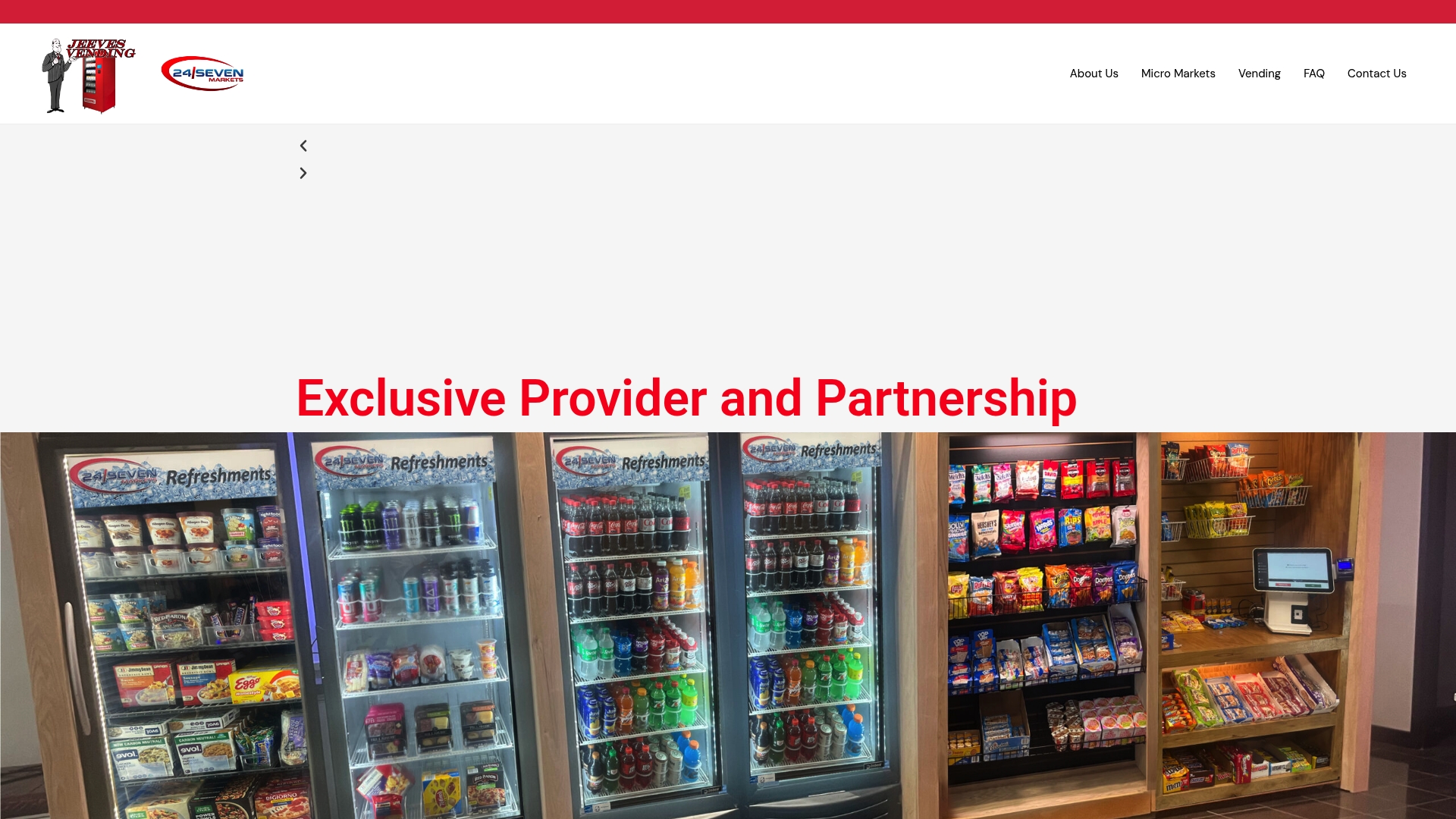
Jeevesvending provides custom vending solutions at no cost to businesses, including installation, restocking, and remote inventory monitoring. Their smart machines support dietary filtering, touchscreen menu customization, and real-time sales tracking. For larger offices, their micro-market setups offer full product flexibility with self-checkout convenience. If you are ready to build a vending program your staff will actually use, contact Jeevesvending to schedule a free consultation.
FAQ
What does it mean to customize a vending menu for staff?
Customizing a vending menu for staff means selecting products, configuring machine layout, and adjusting software settings to match your employees’ dietary needs, shift patterns, and preferences. It is an ongoing process, not a one-time setup.
How do I find out what snacks my staff actually want?
Run a short survey covering dietary restrictions, preferred product types, and price sensitivity, then cross-reference results with three months of actual purchase data from your current machine. Buying behavior is more reliable than survey responses alone.
How long does it take to set up a custom vending machine?
Standard machine configurations can be ready within days, but custom hardware builds require 25–35 days of production lead time. Plan ahead if you need branded units or hot food kiosks for a specific date.
What software features matter most for office vending customization?
Prioritize remote inventory monitoring, dietary filter menus, OTA update capability, and employee badge integration. These features give HR teams real control over the vending experience without requiring manual intervention at the machine.
How often should I update the vending menu?
Review sales data monthly, conduct staff feedback surveys quarterly, and perform a full menu audit every six months. Seasonal product swaps four times per year keep the selection feeling current and relevant to your team.